Bug Tracker Online Editorial Integrity: We are a 100% free informational resource dedicated to developers and DevOps teams. We do not sell any software, and we do not collect payments from our users. This unbiased comparison is designed to help you architect the best issue management infrastructure for your engineering team.
When architecting a software development pipeline in 2026, one of the most foundational decisions an engineering leader must make is where their data lives. Choosing a bug tracking system isn’t just about picking the tool with the prettiest UI or the best keyboard shortcuts; it is a critical infrastructure decision.
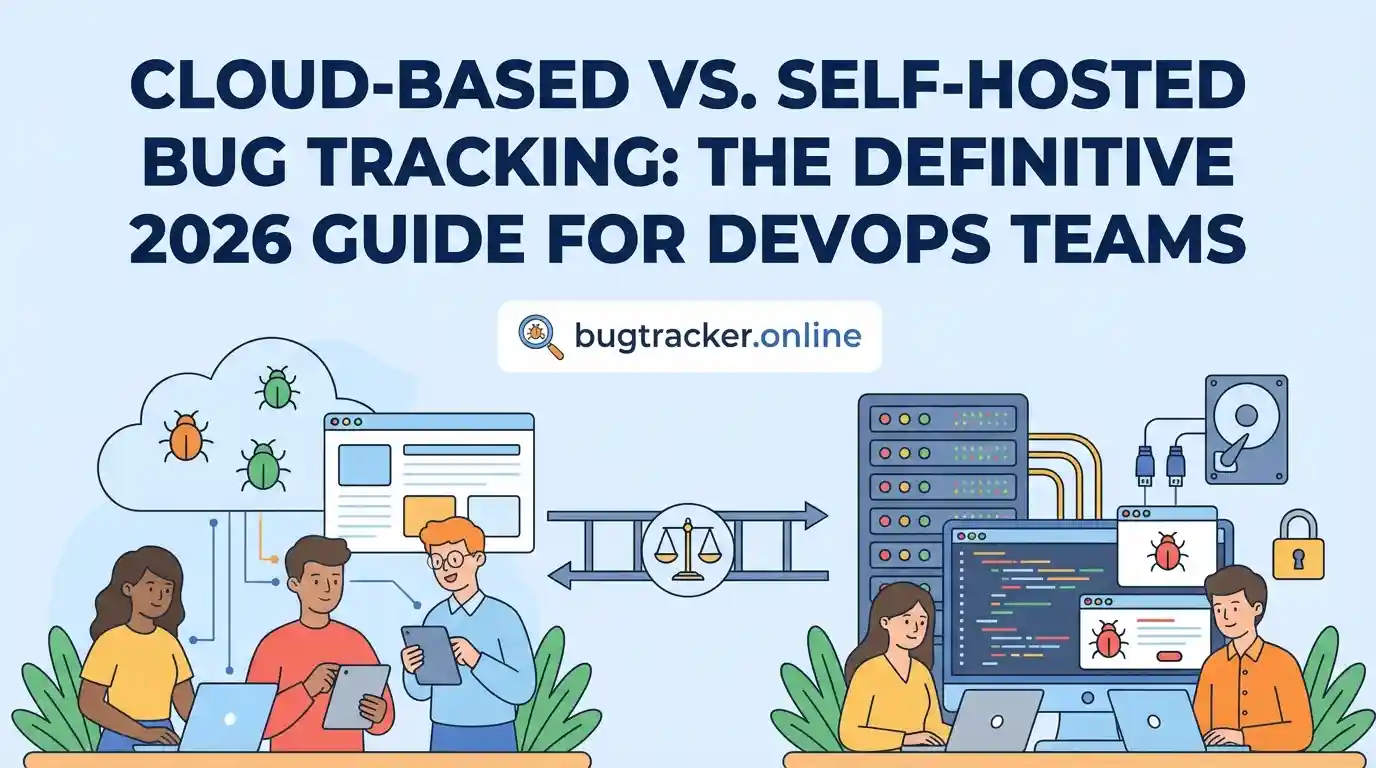
The debate between Cloud-Based (SaaS) and Self-Hosted (On-Premise) bug tracking systems has raged for over a decade. While the tech industry defaults heavily toward cloud solutions today, self-hosting is experiencing a massive renaissance among privacy-focused startups, defense contractors, and enterprise organizations handling highly sensitive user data.
A bug tracker contains the blueprint of your product’s weaknesses. It holds proprietary source code snippets, zero-day vulnerability reports, server logs, and API keys accidentally pasted by junior developers. Deciding who gets to host that data—you or a third-party vendor—is paramount.
In this comprehensive Bug Tracker Online guide, we will dissect the fundamental differences between cloud-based and self-hosted bug trackers. We will analyze the Total Cost of Ownership (TCO), security implications, maintenance burdens, and ultimately help you decide which infrastructure fits your 2026 DevOps strategy.
The Case for Cloud-Based (SaaS) Bug Tracking
Cloud-based bug tracking, offered strictly as Software-as-a-Service (SaaS), means the vendor hosts the application, manages the database, handles all security patches, and ensures server uptime. You simply pay a monthly per-user subscription fee, log in via your browser, and start tracking bugs.
Tools like Linear, Jira Cloud, and GitHub Issues operate entirely in the cloud. For the vast majority of agile startups and mid-sized tech companies, cloud-based tracking is the default choice because it offers zero friction to deployment.
The Advantages
- Zero Maintenance: No servers to patch, no databases to back up, and no IT overhead required.
- Instant Scalability: Adding your 500th developer is as easy as clicking “Invite User.”
- Always Up-to-Date: You instantly receive new features, AI integrations, and UI upgrades without manual installations.
- Predictable Costs: You pay exactly for the seats you use, shifting costs from CapEx (hardware) to OpEx (subscriptions).
The Drawbacks
- Data Sovereignty: Your proprietary codebase flaws and security vulnerabilities are stored on a third-party server.
- Vendor Lock-in: Exporting years of complex issue histories and attachments to migrate elsewhere is notoriously difficult.
- Compounding Costs: While cheap initially, $15/user/month becomes incredibly expensive at enterprise scale.
- Downtime Dependency: If the vendor’s AWS zone goes down, your engineering team is completely paralyzed.
The Case for Self-Hosted (On-Premise) Bug Tracking
Self-hosted bug tracking means you download the software application and run it on your own infrastructure. This could be a physical server rack in your office basement, or a private cloud instance on AWS/DigitalOcean that you fully control.
Thanks to modern containerization technologies like Docker and Kubernetes, deploying a self-hosted bug tracker is much easier than it was a decade ago. Open-source tools like Bugzilla, MantisBT, and the self-managed version of GitLab are heavily utilized by organizations that refuse to let their data leave their own firewalls.
The Advantages
- Total Data Control: Your data remains inside your VPC. Third-party vendors cannot access your vulnerability reports.
- Regulatory Compliance: Easier to pass strict audits for healthcare (HIPAA), finance, or defense contracts.
- Long-Term ROI: Open-source tools are free. You only pay for the raw server compute, which is vastly cheaper than per-seat SaaS licensing at scale.
- Infinite Customization: You have direct access to the database. You can write custom SQL queries or modify the core code.
The Drawbacks
- High Maintenance Burden: Your IT team must handle server patching, SSL certificates, load balancing, and database backups.
- Security Liability: If you fail to patch an exploit in your self-hosted tracker, your network is exposed.
- Resource Intensive: Requires dedicated DevOps personnel, distracting from your core product.
- Slower to Modernize: Open-source UIs often feel clunky and lack cutting-edge integrations found in SaaS tools.
Head-to-Head: Evaluating the Critical Factors
To make an informed decision for your issue management architecture, you must evaluate how these two deployment methods stack up across four critical vectors.
1. Total Cost of Ownership (TCO)
SaaS pricing is a textbook example of the “boiling frog” phenomenon. A cloud tool might cost $10 per user/month. For a team of 10, that’s a negligible $100/month. But for a rapidly scaling company with 300 engineers, QA testers, and product managers, you are suddenly paying $36,000 a year just to manage lists of bugs.
Conversely, self-hosting an open-source tool like Bugzilla is free, but the *hidden* costs are high. You must factor in the AWS EC2 instance costs, the storage fees, and crucially, the hourly salary of the DevOps engineer tasked with keeping the server healthy. At a small scale, SaaS is always cheaper. At an enterprise scale, self-hosting often wins the financial battle.
2. Security and Compliance
Security is arguably the most fiercely debated topic between the two models. Cloud proponents argue that companies like Atlassian and Microsoft (GitHub) employ hundreds of world-class security engineers—far more than a standard tech startup could ever afford. Therefore, their servers are statistically safer.
However, self-hosting proponents look to data privacy frameworks. If you are subject to the General Data Protection Regulation (GDPR), or handle Protected Health Information (PHI), hosting your own instance allows you to dictate exactly where the data resides geographically and who holds the encryption keys.
3. Extensibility & Integrations
In 2026, bug trackers do not exist in a vacuum. They must talk to your CI/CD pipelines, your Slack channels, your APM tools, and your Git repositories. Cloud tools excel here. They offer massive marketplaces with one-click integrations via OAuth. Setting up a webhook between Jira Cloud and Slack takes 30 seconds.
Self-hosted tools can integrate with the same systems, but it often requires tedious manual configuration. You may have to open specific firewall ports, manage static IP whitelists, and manually rotate API tokens. If integration speed is your priority, Cloud wins decisively.
| Feature / Requirement | Cloud-Based (SaaS) | Self-Hosted (On-Premise) |
|---|---|---|
| Setup Time | Minutes (Instant) | Hours to Days |
| Data Control | Vendor Controlled | 100% Internal Control |
| Maintenance Burden | Zero | High (Backups, Updates, Security) |
| Cost at 10 Users | Low (~$100/month) | High (DevOps salary + Server) |
| Cost at 500 Users | Very High (~$5,000+/month) | Low (Server costs remain stable) |
| Customizability | Limited to API/UI constraints | Unlimited (Direct Database Access) |
The Final Verdict: Which Should You Choose?
There is no universal “best” choice, only the right choice for your current operational maturity. Based on our extensive software reviews, we recommend the following framework:
You are a startup, a fast-moving SaaS company, or a mid-market team without strict regulatory burdens. Your primary goal is engineering velocity. You want your team writing code, not managing database migrations for an issue tracker. Tools like Linear, Jira Cloud, or GitHub Issues are your best bet.
You are an enterprise organization, a defense contractor, a financial institution, or a healthcare tech company. Your code is highly proprietary, and your threat model dictates that security risks align with OWASP standards where third-party data exposure is unacceptable. You have a dedicated DevOps team capable of maintaining self-managed GitLab, Bugzilla, or Jira Data Center.